Getting Started with PLA: The Ultimate Beginner's Guide
Everything you need to know about PLA filament — from choosing the right brand to dialing in your print settings for perfect results every time.
Josh Holtzclaw

PLA (Polylactic Acid) is the most popular 3D printing filament in the world, and for good reason. It's easy to print, widely available, and produces great-looking parts with minimal hassle. Whether you just unboxed your first printer or you're looking to refine your PLA game, this guide covers everything you need to know.
Why PLA Is the Go-To Filament#
PLA has earned its spot as the default filament for most hobbyists and professionals alike. Here's why:
- Low warping — PLA has very little tendency to warp, even on unheated beds
- No enclosure needed — You can print PLA on an open-frame printer with no issues
- Wide temperature range — Most PLAs print well between 190-220°C
- Great surface finish — PLA produces smooth, detailed prints right out of the box
- Biodegradable — Made from renewable resources like corn starch
Recommended Print Settings#
Getting your settings right is the difference between a perfect print and a spaghetti mess. Here are the sweet spots for PLA:
| Setting | Recommended Range | | --- | --- | | Nozzle Temperature | 200-215°C | | Bed Temperature | 55-65°C | | Print Speed | 40-60 mm/s | | Cooling Fan | 100% after first layer | | Retraction | 0.5-1mm (direct drive) / 4-6mm (bowden) |
First Layer Tips#
The first layer is the foundation of your entire print. For PLA:
- Set your first layer speed to 50% of your normal speed
- Use a slightly higher nozzle temperature (5-10°C above your normal setting)
- Make sure your bed is clean — isopropyl alcohol works great on PEI sheets
- A good first layer squish is key — you want slight overlap between lines
Cooling Strategy#
PLA loves cooling. Unlike materials like ABS or PETG, you generally want maximum cooling for PLA:
- Turn fans off for the first 1-2 layers for bed adhesion
- Ramp up to 100% fan speed after that
- For bridges and overhangs, consider bumping your fan even higher if your printer allows it
Choosing the Right PLA Brand#
Not all PLA is created equal. Here are some things to consider when picking a brand:
- Consistency — Look for brands with tight diameter tolerances (±0.02mm is ideal)
- Color range — Some brands offer dozens of colors while others focus on a few
- Price — Good PLA ranges from $15-25/kg; going cheaper often means quality issues
- Specialty variants — PLA+, Silk PLA, Matte PLA, and more each have unique properties
Check out our brand tier list for detailed ratings and recommendations on the best PLA brands available today.
Common PLA Problems and Fixes#
Stringing#
If you're getting fine strings between travel moves:
- Increase retraction distance by 0.5mm increments
- Lower your nozzle temperature by 5°C
- Enable "wipe" or "coasting" in your slicer
Poor Bed Adhesion#
If your first layer won't stick:
- Re-level your bed — this is the #1 cause
- Clean the bed surface with isopropyl alcohol
- Increase bed temperature to 65°C
- Slow down the first layer
Layer Lines#
Visible layer lines are normal, but you can minimize them:
- Reduce layer height (0.12mm for fine detail)
- Ensure consistent extrusion — calibrate your e-steps
- Check for mechanical issues like loose belts
Storage Tips#
PLA is one of the least moisture-sensitive filaments, but that doesn't mean you should ignore storage entirely:
- Keep unused rolls in sealed bags with desiccant
- If PLA starts popping/crackling during printing, it's absorbed moisture
- You can dry PLA at 45-50°C for 4-6 hours in a food dehydrator or filament dryer
What's Next?#
Once you've mastered PLA, you might want to explore:
- PETG — Similar ease of printing but with better heat resistance and durability
- TPU — Flexible filament for phone cases, gaskets, and more
- PLA+ — Enhanced PLA with better impact resistance and layer adhesion
Check out our filament comparison tool to see how PLA stacks up against other materials, or browse the complete filament guide for detailed specs on every material type.
Related Articles
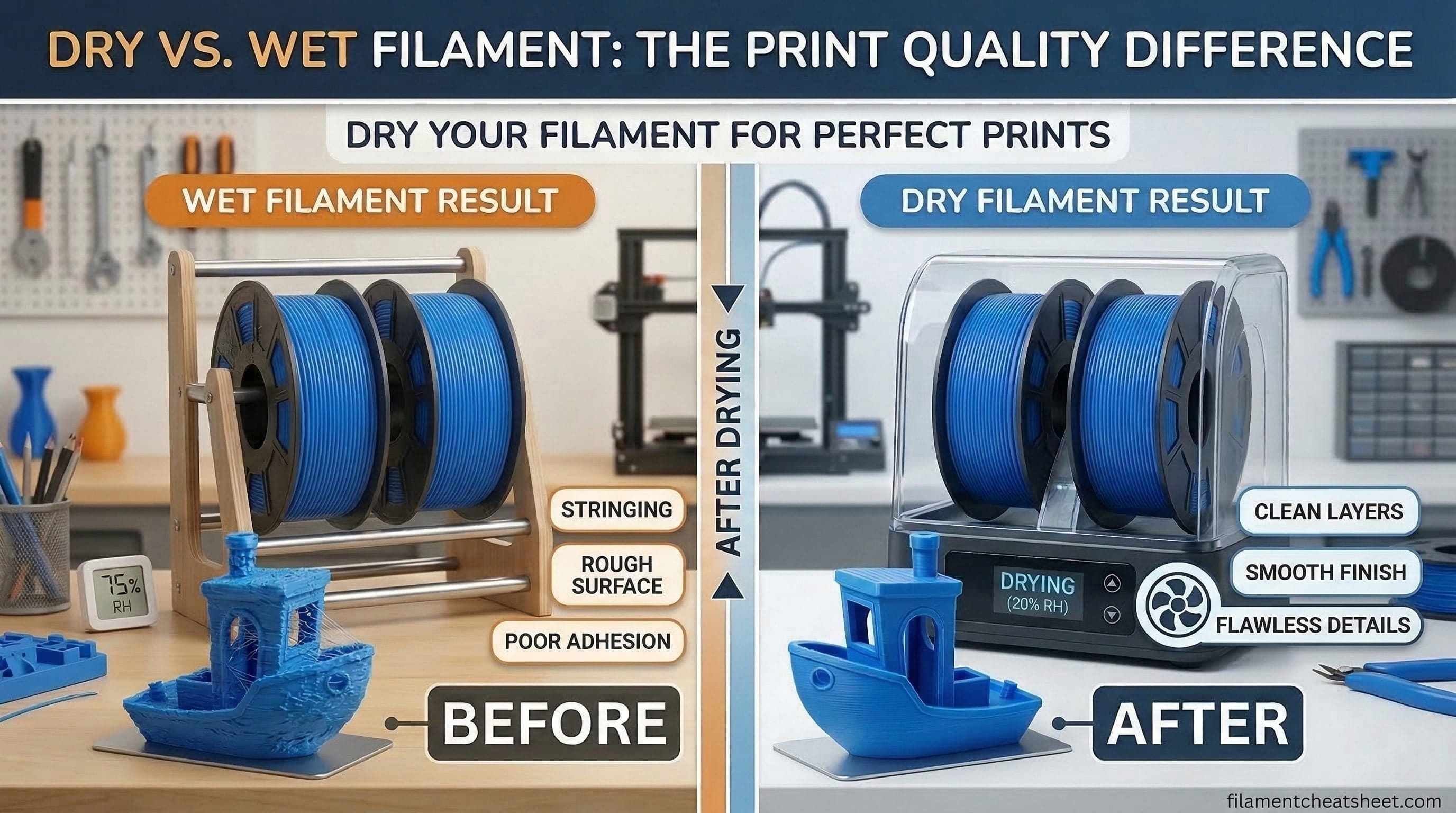
How to Dry and Store 3D Printing Filament (So It Stops Ruining Your Prints)
A practical guide to filament moisture — how to spot it, how to fix it, and how to keep every spool dry long-term with the right storage and drying setup.
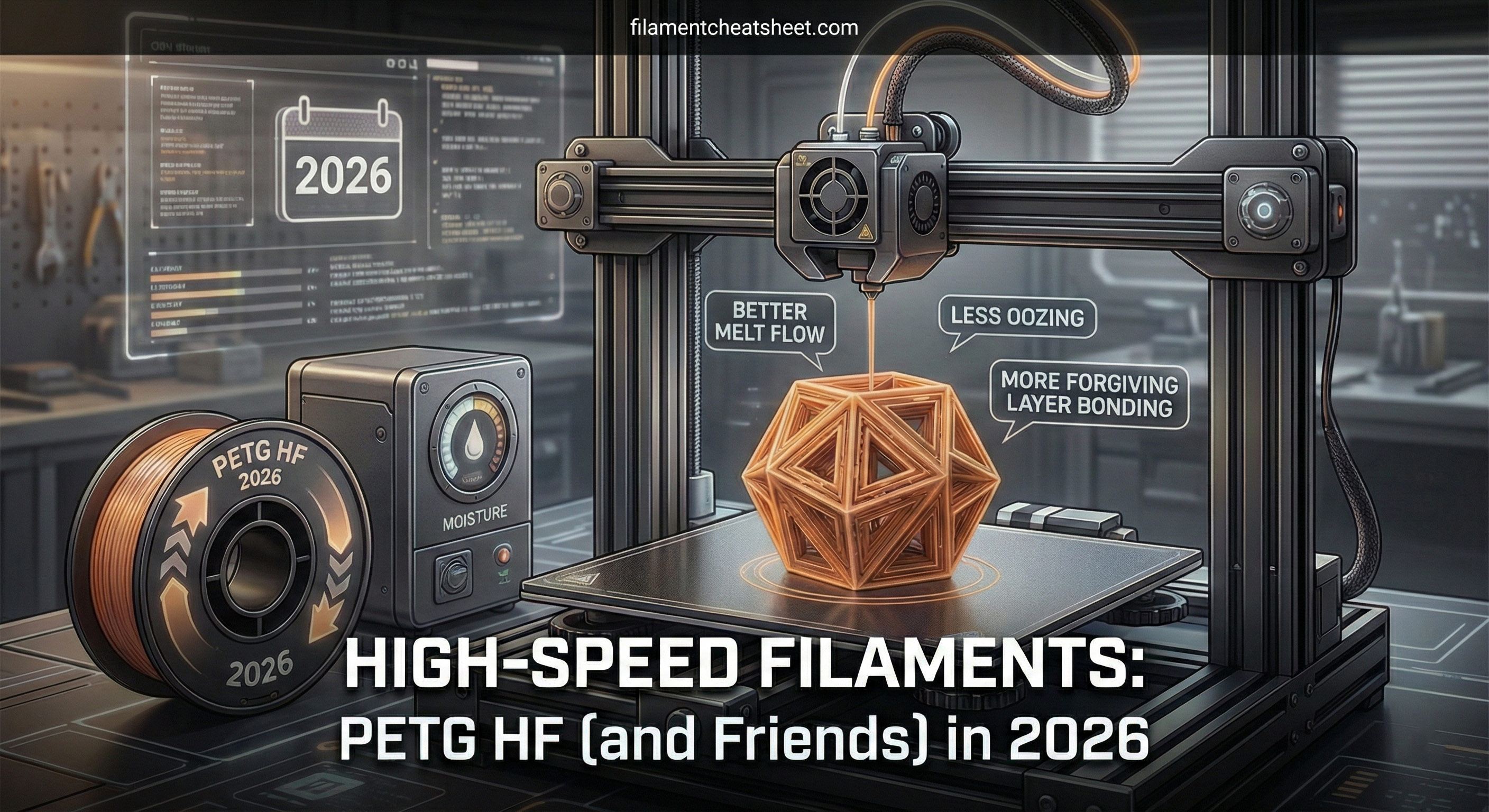
High-Speed Filaments Are Getting Serious: PETG HF (and Friends) in 2026
High-speed filaments are no longer just PLA at 200 mm/s. PETG HF and other high-flow blends are changing what fast, reliable printing looks like.
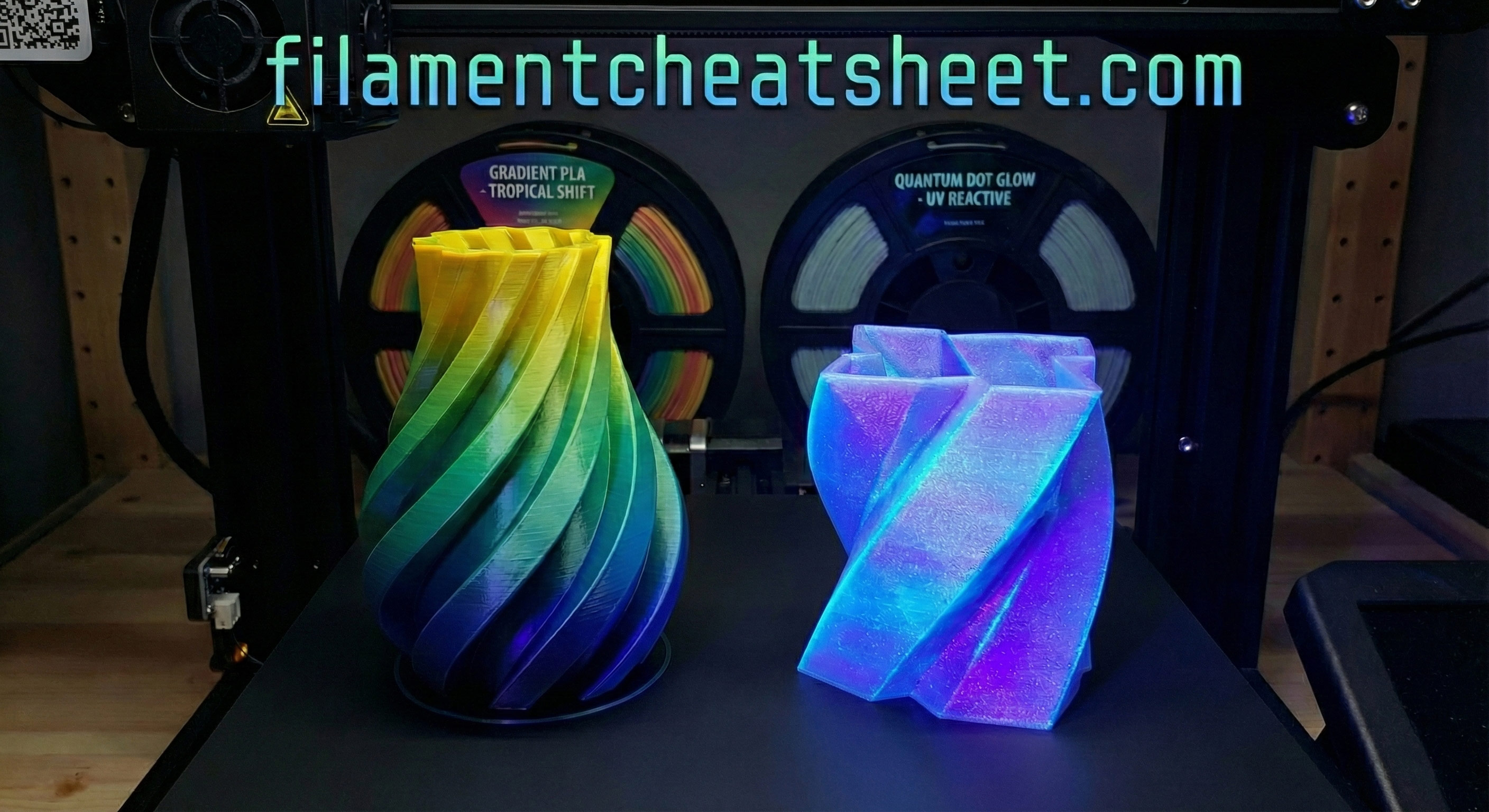
Filament Color Tech Gets Wild: Quantum Dots, Gradient PLA, and What Comes Next
From quantum dot glow effects to curated gradient PLA launches, color science is becoming a real filament battleground.