Best Budget Multicolor 3D Printers in 2026 (and What They Waste)
Four-color printing now starts at $279. Which multicolor printers are worth buying, how the different systems work, and the purge waste and print time nobody puts on the box.
Josh Holtzclaw
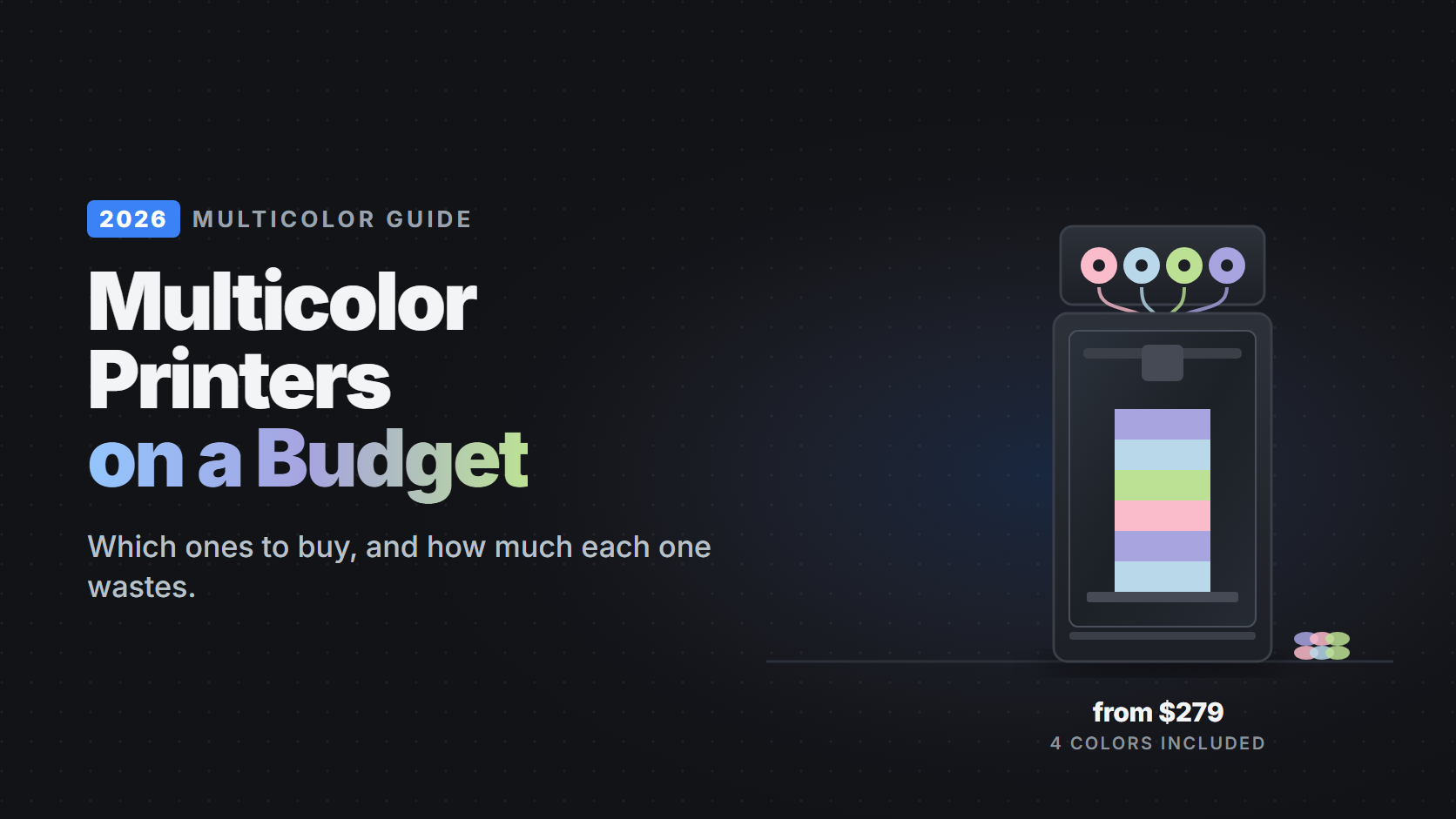
Two years ago, printing in four colors meant a $1,000 machine. Today every major brand sells a 4-color setup, and the cheapest one costs $279. That's the good news.
The part the product pages skip: multicolor printing is slow and wasteful. Every color change pushes old filament out of the nozzle before the new color prints. In a Tom's Hardware test, a 31.7 g model made 263 g of waste on a Bambu A1 and 192 g on an Anycubic Kobra X. In another test, a three-color print on the Bambu A2L took 6 hours 46 minutes against 2 hours 40 minutes in one color.
None of that makes multicolor a bad buy. Signs, toys, name tags and decor are what most people want a printer for. But the system you pick changes how much you waste and how long you wait, and that's what this guide is about.
We earn a commission when you buy through the store links on this page. It never decides which printers make the list. Prices checked September 29, 2026; they change often.
Quick picks#
| Printer | Price | Build volume | Enclosed | Multicolor ready | Buy |
|---|---|---|---|---|---|
| Least waste under $300Anycubic Kobra X | $279 | 260×260×260 mm | No | Yes | Anycubic |
| EasiestBambu Lab A1 | $399 | 256×256×256 mm | No | Yes | Amazon |
| Cheapest CoreXYElegoo Centauri 2 | $329 | 256×256×256 mm | No | Yes | Elegoo |
| Cheapest enclosedElegoo Centauri Carbon 2 | $399 | 256×256×256 mm | Yes | Yes | Elegoo |
| Dries while printingAnycubic Kobra S1 Combo | $429 | 250×250×250 mm | Yes | Yes | Anycubic |
| 16 colorsCreality K2 | $549 | n/a | Yes | No | Creality |
| Best overallBambu Lab P2S | $749 | 256×256×256 mm | Yes | Yes | Amazon |
| Two materialsBambu Lab X2D | $899 | 256×256×260 mm | Yes | Yes | Amazon |
Prices in the table are for the version that includes the multicolor unit.
The four ways printers do multicolor#
The name on the box differs by brand, but there are really only four designs:
| Design | Examples | How it works | Waste | Dries filament? |
|---|---|---|---|---|
| External hub, open frame | Bambu AMS lite, Elegoo CANVAS | A box of 4 spools feeds one nozzle through tubes | High | No |
| External hub, enclosed box | Bambu AMS 2 Pro, Anycubic ACE 2 Pro, Creality CFS | Same, but the spools sit in a sealed box | High | AMS 2 Pro and ACE 2 Pro: yes. CFS: desiccant only |
| Switching in the toolhead | Anycubic Kobra X | The color changer sits right above the nozzle | Lower | No (unless you add an ACE 2 Pro) |
| Two nozzles | Bambu X2D, H2D | A second nozzle holds a second material | Very low for 2 colors | With the AMS 2 Pro |
Two practical limits to check before you buy:
- TPU: Creality's CFS doesn't accept TPU at all, and Bambu's AMS units only take its stiffer "TPU for AMS". If you want flexible parts in color, the Kobra X and Elegoo's CANVAS handle 95A TPU.
- Cardboard spools: Anycubic advises against cardboard spools in the ACE units, and Creality's CFS doesn't support warped ones, because the edges shed fibers and slip. Plastic spools, or a printed adapter ring, avoid the problem.
Best multicolor 3D printers under $400#

Least waste under $300
Anycubic Kobra X
$279- 260×260×260 mm
- Open frame
- Multicolor ready
- 300°C nozzle
- Hardened nozzle
- 600 mm/s
The only budget printer that changes color inside the toolhead instead of in a separate box. The cutter sits 10 mm from the nozzle, so each swap takes about 35 seconds instead of 90, and there is less old filament to push out. The same test print wasted a quarter less than on the A1 and finished hours sooner. The $449 Combo adds an ACE 2 Pro for 7 colors and filament drying.
Good for
- Multicolor on the lowest budget
- Less waste per swap
- Colored TPU
Skip it if
- You live somewhere humid (no dryer in the base model)
- You want the most polished software

Easiest multicolor
Bambu Lab A1
$399 with AMS lite- 256×256×256 mm
- Open frame
- Multicolor ready
- 300°C nozzle
- 500 mm/s
Still the simplest way into multicolor printing. Setup is quick, Bambu Studio's color painting tools are the most mature of any slicer, and the community has tuned profiles for nearly everything. The trade-off is waste: color swaps are slow and the purge is heavy, so use the waste-cutting tips below.
Good for
- First multicolor printer
- Painting colors onto models
- Huge community
Skip it if
- You want to limit waste
- You need more than 4 colors (only one AMS lite is supported)

Cheapest CoreXY
Elegoo Centauri 2
$329 with CANVAS- 256×256×256 mm
- Open frame
- Multicolor ready
- 350°C nozzle
- Hardened nozzle
- 500 mm/s
A fast CoreXY with a 350°C hardened hot end and Elegoo's CANVAS 4-color system for $329. Elegoo ships lower purge values by default than most brands, which cuts waste out of the box. It's open-frame, so stick to PLA, PETG and TPU.
Good for
- Speed on a budget
- 95A TPU in color
- Lower default purge
Skip it if
- You want an enclosure
- You need more than 4 colors

Cheapest enclosed
Elegoo Centauri Carbon 2
$399 with CANVAS- 256×256×256 mm
- Enclosed
- Multicolor ready
- 350°C nozzle
- Hardened nozzle
- 500 mm/s
The cheapest way to get an enclosure and 4 colors together. The enclosure lets you print ABS and ASA, and the hardened hot end handles carbon fiber blends. CANVAS doesn't dry filament and tops out at 4 colors. The spool holders mount on the side, so plan for about 60 cm of width.
Good for
- Multicolor plus ABS and ASA
- Carbon fiber blends
- Value
Skip it if
- Desk space is tight
- You print nylon or polycarbonate often
Best multicolor 3D printers from $400 to $900#

Dries while printing
Anycubic Kobra S1 Combo
$429- 250×250×250 mm
- Enclosed
- Multicolor ready
- 320°C nozzle
- 600 mm/s
An enclosed CoreXY with the ACE 2 Pro, which heats the spools to around 65°C while it prints. That matters more than it sounds: PETG and TPU soak up moisture, and wet filament strings and bubbles. Chaining units takes it to 16 colors.
Good for
- PETG in color
- Humid climates
- Enclosed printing
Skip it if
- You use cardboard spools
- You need carbon fiber

16 colors
Creality K2
$549 with CFS- Enclosed
- 600 mm/s
An enclosed CoreXY with Creality's CFS, which chains up to four boxes for 16 colors. The CFS keeps spools dry with desiccant but doesn't heat them, and it doesn't accept TPU. If you mainly print PLA and PETG in lots of colors, it's good value.
Good for
- Many colors in one print
- Enclosed printing
- Signs and logos
Skip it if
- You want colored TPU
- You use cardboard spools

Best overall
Bambu Lab P2S
$749 with AMS 2 Pro- 256×256×256 mm
- Enclosed
- Multicolor ready
- 300°C nozzle
- Hardened nozzle
- 600 mm/s
The most complete multicolor setup under $1,000. The AMS 2 Pro dries filament, supports up to 20 colors, and the P2S's enclosure and hardened nozzle cover everything from PLA to carbon fiber. It wastes as much per swap as other single-nozzle printers, but it's the least fiddly.
Good for
- Printing in color every day
- Drying built in
- Engineering materials
Skip it if
- You're on a budget
- Waste is your main concern

Two materials
Bambu Lab X2D
$899 with AMS 2 Pro- 256×256×260 mm
- Enclosed
- Multicolor ready
- 300°C nozzle
- Hardened nozzle
- Heated chamber
Two nozzles change the math for two-color prints: in Tom's Hardware's test, a two-color zebra print wasted just 11.5 g. Beyond two colors it still purges like any AMS printer. The second nozzle is Bowden-fed, so it's slower and can't do soft TPU.
Good for
- Two-color and two-material prints
- Soluble supports
- Heated chamber
Skip it if
- You mostly print 4 or more colors
- You want the cheapest route to color
Also worth knowing about: the Creality Ender-3 V4 Combo ($399) is a bed-slinger that includes the CFS, and the Creality Hi Combo is out of stock as of this writing.
How to waste less filament#
Most of the waste is in the settings, not the hardware. Bambu's own guide covers these, and the same ideas work in every slicer:
- Flush into infill and supports. The slicer pushes the purged color into the inside of your part instead of the waste chute. It's free savings on anything with infill.
- Lower the flushing multiplier. Try 0.8 to 0.9 instead of 1.0. Print a test first: dark-to-light changes need the most purge, and too little shows up as muddy color.
- Put color changes near the bed. The prime tower has to reach the last layer that changes color. Flipping a part so its colored details sit at the bottom cut one tower from 14.8 g to 9.1 g.
- Group colors by layer. A sign with colored letters on top changes color a few times. A model with color on every layer changes hundreds of times.
Filament for multicolor printing#
Stick to one brand of PLA for multicolor work where you can. Brands print at slightly different temperatures, and mixing them can cause stringing or weak bonds at color changes. Plastic spools feed more reliably than cardboard in every system above.
Our best PLA brands ranking covers which brands are the most consistent from spool to spool. If your prints string or bubble, read how to dry and store filament before blaming the printer.
Bottom line#
- Lowest price and least waste: the Anycubic Kobra X at $279.
- Easiest: the Bambu A1 Combo at $399.
- Enclosure and color for the least money: the Elegoo Centauri Carbon 2 Combo at $399.
- Best overall: the Bambu P2S Combo at $749.
Not sure multicolor is worth it for you? Our best 3D printers for every budget guide covers the single-color picks too, and current discount codes are on the deals page.
Related Articles
Best 3D Printers for Every Budget in 2026: Under $300, $500 and $1,000
The printers worth buying at each price, with current prices, honest trade-offs, and what each one can and can't print. From a $199 first printer to enclosed multicolor machines.
Is an Enclosed 3D Printer Worth It? (2026)
An enclosure buys you ABS, ASA and polycarbonate, and nothing else. Here is how to tell whether that is worth roughly double the price of an open-frame machine.
Which 3D Printer Can Actually Print the Filament You Want? (2026)
Four hardware gates decide what a printer can run: enclosure, nozzle temperature, a hardened nozzle, and dry storage. Here is which current machines clear each one.