Which 3D Printer Can Actually Print the Filament You Want? (2026)
Four hardware gates decide what a printer can run: enclosure, nozzle temperature, a hardened nozzle, and dry storage. Here is which current machines clear each one.
Josh Holtzclaw
Most "best 3D printer" advice is written backwards. It picks the printer first and treats filament as an afterthought, when the material you intend to print is the thing that actually rules machines in or out. A $200 open-frame printer will never print ASA well, no matter how good its reviews are, and no amount of tuning fixes that.
Four hardware gates decide the question. Everything else (speed, bed size, multi-colour, auto-levelling) is comfort.
The four gates#
| Gate | What it does | Materials that need it |
|---|---|---|
| Enclosure | Holds ambient heat so layers do not contract at different rates and peel off the plate | ABS, ASA, polycarbonate (strongly), nylon (required) |
| Nozzle temperature | Some polymers simply do not flow below a threshold | Polycarbonate and nylon want 260-300 °C; a 260 °C ceiling rules both out |
| Hardened nozzle | Abrasive fill shreds brass in hours | Carbon-fibre and glass-filled blends (required) |
| Dry storage | Hygroscopic filament absorbs water and prints foamy, weak, and stringy | Nylon (required), PETG / TPU / PC (recommended) |
Those requirements come from our own material requirements data, the same set that drives the per-printer compatibility guides.
What this rules out, honestly#
The uncomfortable part first: an open-frame printer under about $250 is a PLA and PETG machine. That is not a criticism. PLA and PETG cover the overwhelming majority of what people actually print, and a well-tuned budget bed-slinger will out-print a badly-tuned expensive one every day of the week.
But be clear-eyed about the ceiling. Creality's Ender-3 V3 SE tops out at a 260 °C nozzle with no enclosure and a brass nozzle. That is three of the four gates closed. It prints PLA and PETG beautifully and it will not print nylon, polycarbonate, or anything carbon-filled. That last one is not a matter of quality but of destruction, because abrasive filament eats a brass nozzle.
If your honest answer to "what will I print?" is "PLA, and PETG when I need something tougher", buy the cheap machine and spend the difference on filament. Our beginner printer picks start there deliberately.
Which machines clear which gate#
Spec sheets, not prices. Prices move weekly and these gates do not. Current pricing lives on each brand page.
Enclosure + high nozzle temp (ABS, ASA, PC)#
This is the meaningful step up, and it is the one most buyers skip and then regret the first time an ASA print curls off the bed.
| Printer | Nozzle ceiling | Enclosed | Hardened |
|---|---|---|---|
| Elegoo Centauri Carbon 2 | 350 °C | Yes | Yes |
| Creality K2 Plus | 350 °C | Yes | Yes |
| Anycubic Kobra S1 Max Combo | 350 °C | Yes | Yes |
| Elegoo Centauri Carbon | 320 °C | Yes | Yes |
| Anycubic Kobra S1 Combo | 320 °C | Yes | No |
| Creality K1C | 300 °C | Yes | Yes |
| Creality K1 Max | 300 °C | Yes | Yes |
The pattern worth noticing: enclosure and a hardened nozzle usually arrive together at this tier, which means clearing the ABS/ASA gate normally clears the carbon-fibre gate at the same time.

Our pick for this gate
Elegoo Centauri Carbon 2
$349- 256×256×256 mm
- Enclosed
- Multicolor ready
- 350°C nozzle
- Hardened nozzle
- 500 mm/s
The cheapest machine that clears every gate in this section at once: enclosed, 350 °C, hardened, and filtered for printing indoors. Add CANVAS later if you want multi-colour.
Good for
- ABS and ASA
- Carbon-fibre blends
- One printer for everything
Skip it if
- You need a large bed
- You only print PLA
Heated chamber (the nylon and PC gate)#
An enclosure traps heat passively. A heated chamber holds a set temperature, which is what high-warp engineering materials really want.
Across every printer we track, only a handful have an actively heated chamber: the Anycubic Kobra S1 Max Combo, the Creality K2 Plus, the Bambu Lab X2D, H2D, H2S and H2C, and the Prusa CORE One L. If serious nylon or polycarbonate work is the goal rather than an occasional experiment, that narrows the field to almost nothing at consumer prices, and it is the single clearest example of the material deciding the printer.
| Printer | Price | Build volume | Enclosed | Multicolor ready | Buy |
|---|---|---|---|---|---|
| Largest for the moneyAnycubic Kobra S1 Max Combo | from $799 | 350×350×350 mm | Yes | Yes | Anycubic |
| Dual nozzleBambu Lab X2D | from $649 | 256×256×260 mm | Yes | Yes | Amazon |
| Large multi-colourCreality K2 Plus | $1,199 | 350×350×350 mm | Yes | Yes | Creality |
| FlagshipBambu Lab H2D | from $1,549 | 350×320×325 mm | Yes | Yes | Amazon |
Hardened nozzle without the enclosure (carbon fibre on a budget)#
Carbon-fibre blends need a hardened nozzle; they only prefer an enclosure. So there is a cheaper path, and a few open-frame machines ship hardened from the factory:
- Anycubic Kobra X: 300 °C, open frame, hardened
- Anycubic Kobra 4: 300 °C, open frame, hardened
- Elegoo Centauri 2: 350 °C, open frame, hardened
| Printer | Price | Build volume | Enclosed | Multicolor ready | Buy |
|---|---|---|---|---|---|
| Multi-colourAnycubic Kobra X | from $279 | 260×260×260 mm | No | Yes | Anycubic |
| CheapestAnycubic Kobra 4 | from $199 | 260×260×260 mm | No | No | Anycubic |
| Hottest nozzleElegoo Centauri 2 | $279 | 256×256×256 mm | No | Yes | Elegoo |
A hardened nozzle is also the cheapest upgrade in 3D printing. If your printer clears the temperature gate and you only want to run CF-PETG occasionally, a nozzle swap costs less than a spool.
The decision, in one pass#
- Write down what you will actually print in the next year. Not the ambitious list. The honest one.
- PLA and PETG only? Any current machine works. Optimise for bed size and quality of life.
- ABS or ASA in the mix? You need an enclosure. Non-negotiable, and the reason is physics, not preference.
- Carbon fibre? Hardened nozzle, required. Check whether the machine ships with one or needs a $20 part.
- Nylon or polycarbonate seriously? Enclosure and a dryer, and a heated chamber if you can reach one.
- Then compare speed, volume and multi-colour between whatever survived. Our best 3D printers for every budget guide does that comparison at each price point.
Per-brand breakdowns of which materials each lineup handles are on the compatibility pages for Creality, Elegoo and Anycubic. For filament choice once the machine is settled, start at the tier list.
One note on timing#
Printer pricing in this segment swings hard around manufacturer sale events, and several are running right now. We pull current discount codes straight from each brand's own affiliate feed, with the expiry date on every one, at 3D printer deals. If you have already decided which gates you need, that is the page to check before you buy. The gap between list and sale price on a mid-range machine is routinely larger than the cost of the filament you will run through it in a year.
Specs above come from our printer database and reflect manufacturer-published figures. Prices change constantly, so always confirm on the product page before buying. We earn a commission on purchases made through links on this site, at no additional cost to you.
Related Articles
Is an Enclosed 3D Printer Worth It? (2026)
An enclosure buys you ABS, ASA and polycarbonate, and nothing else. Here is how to tell whether that is worth roughly double the price of an open-frame machine.
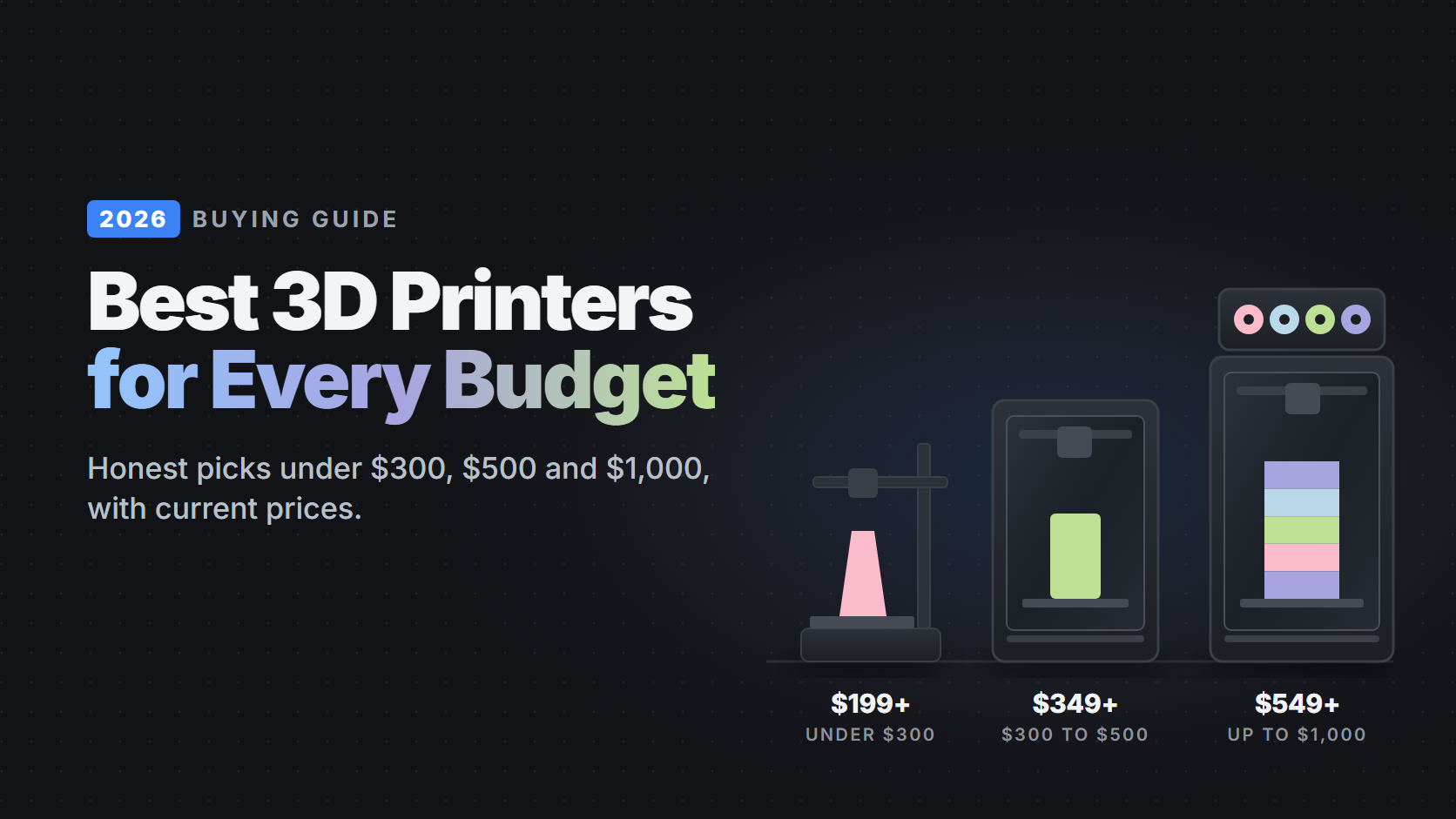
Best 3D Printers for Every Budget in 2026: Under $300, $500 and $1,000
The printers worth buying at each price, with current prices, honest trade-offs, and what each one can and can't print. From a $199 first printer to enclosed multicolor machines.
Best Budget Multicolor 3D Printers in 2026 (and What They Waste)
Four-color printing now starts at $279. Which multicolor printers are worth buying, how the different systems work, and the purge waste and print time nobody puts on the box.